Allow Access to Local Scanning Service
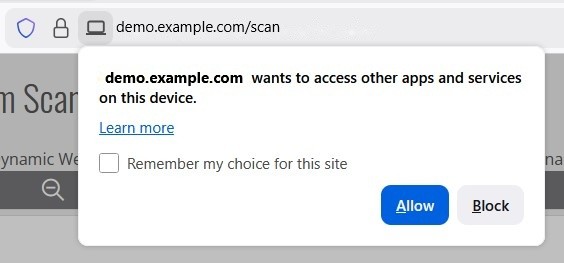
In latest browsers, you may need to grant access to apps on your device to make proper scanning.
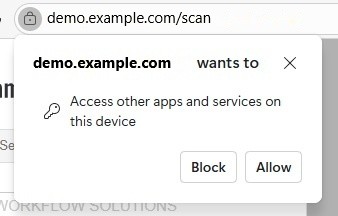
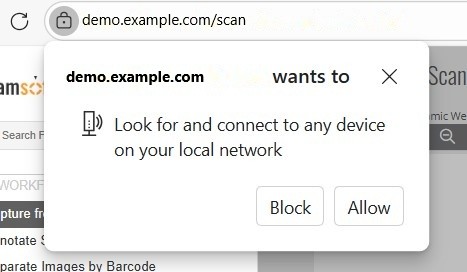
When it is asking for permission, please click "Allow".
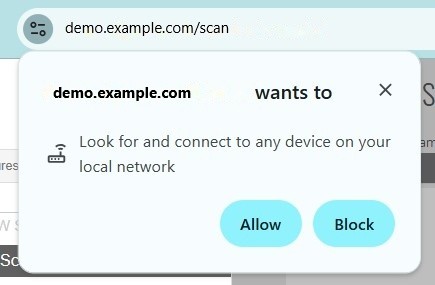
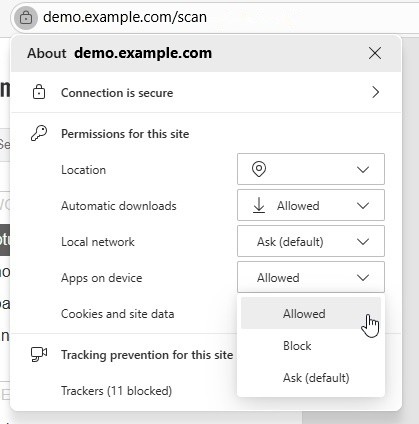
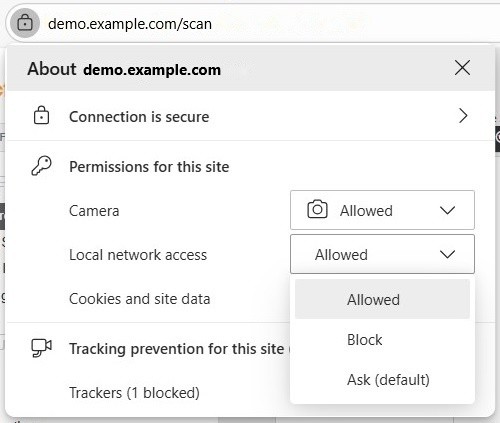
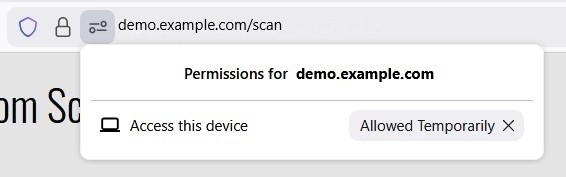
If you accidentally block the access, you can reset it as shown in the following dialog. (Click the icon next to the address to bring up the UI.)
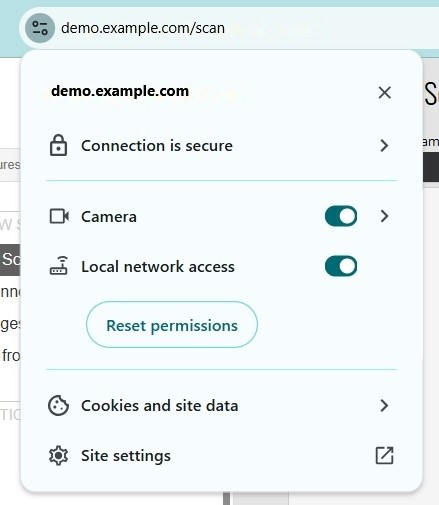
Note: The UI may vary according to different browsers and browser versions. The following shows the different UIs.
Different Browser UIs
-
Permission dialog:
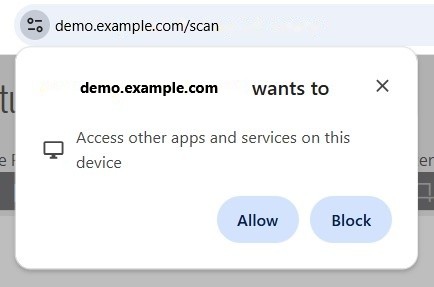
-
Site settings:
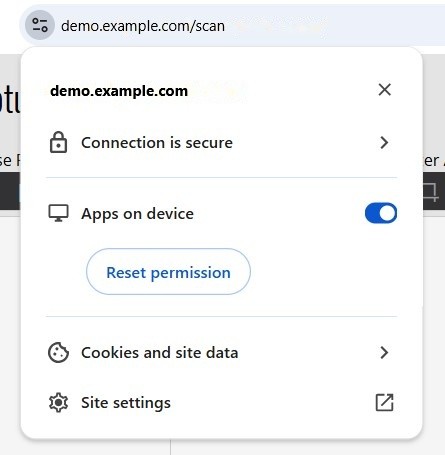
-
Permission dialog:
-
Site settings:
-
Permission dialog:
-
Site settings:
-
Permission dialog:
-
Site settings:
-
Permission dialog:
-
Site settings:
Others
If you still have problems scanning, please contact your IT department for help.